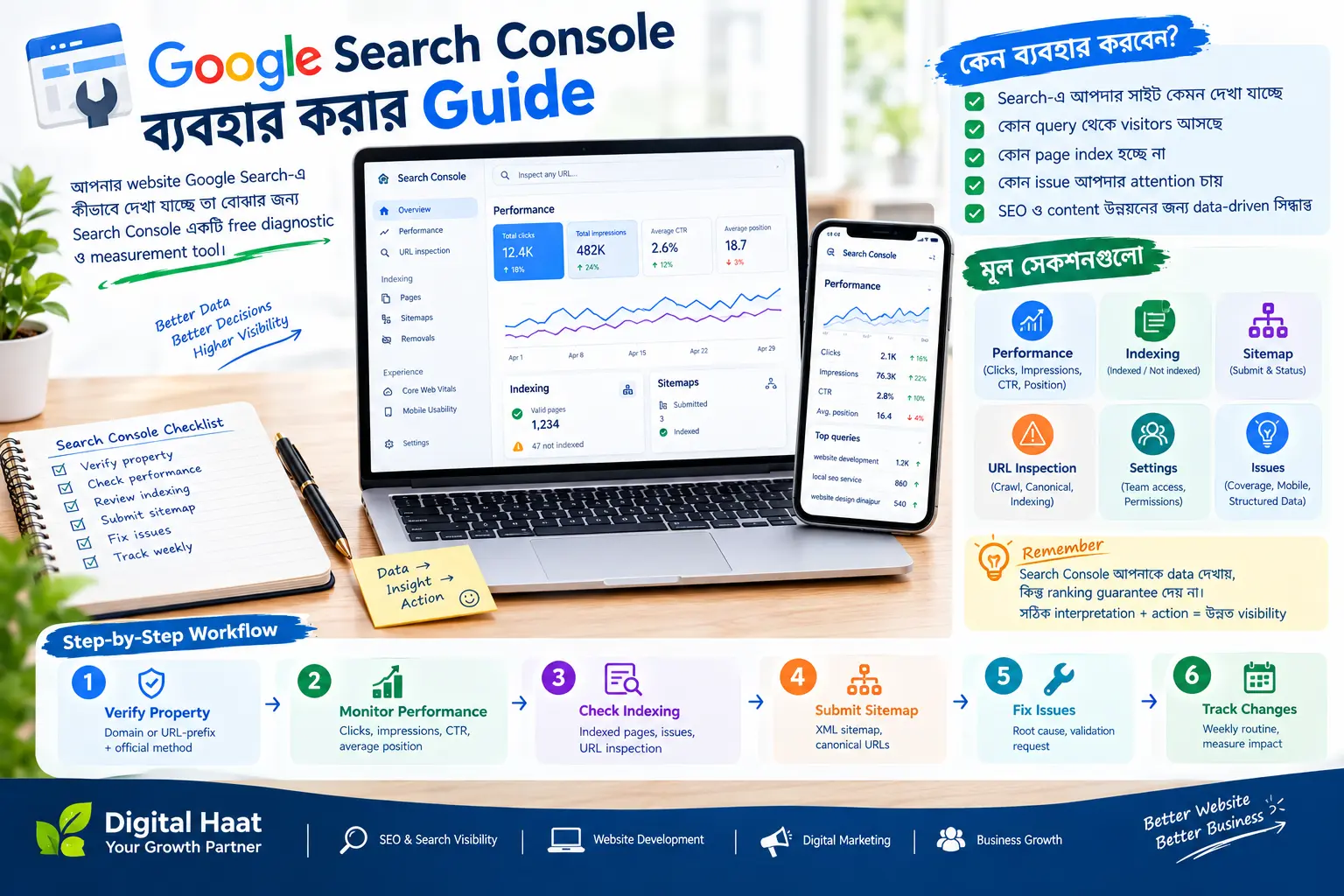
Verify your property
Add the correct domain or URL-prefix property and complete verification. A domain property gives a broader view, while a URL-prefix property is useful for a specific version or path.
Submit your sitemap
Submit the production sitemap URL and confirm that it can be fetched. A sitemap helps discovery, but it does not guarantee indexing. Keep it limited to canonical, indexable URLs.
Read the Performance report
Review clicks, impressions, click-through rate and average position. Open queries and pages to learn what users search for, then improve titles and content where that would genuinely help.
Check indexing and enhancements
Inspect important URLs and review indexing reasons. Fix accidental noindex rules, canonical mistakes, blocked resources and server errors. Structured data reports can reveal eligibility issues but do not guarantee rich results.
Use evidence over guesses
Search data changes over time. Compare date ranges, segment by device and country, and connect organic traffic with enquiries or sales. Do not make a major change based on one day's movement.
Regular checklist
- Verify property ownership and submit sitemap
- Inspect important new or changed URLs
- Review queries, pages, devices and countries
- Fix indexing and experience issues by priority
- Record changes before measuring their effect