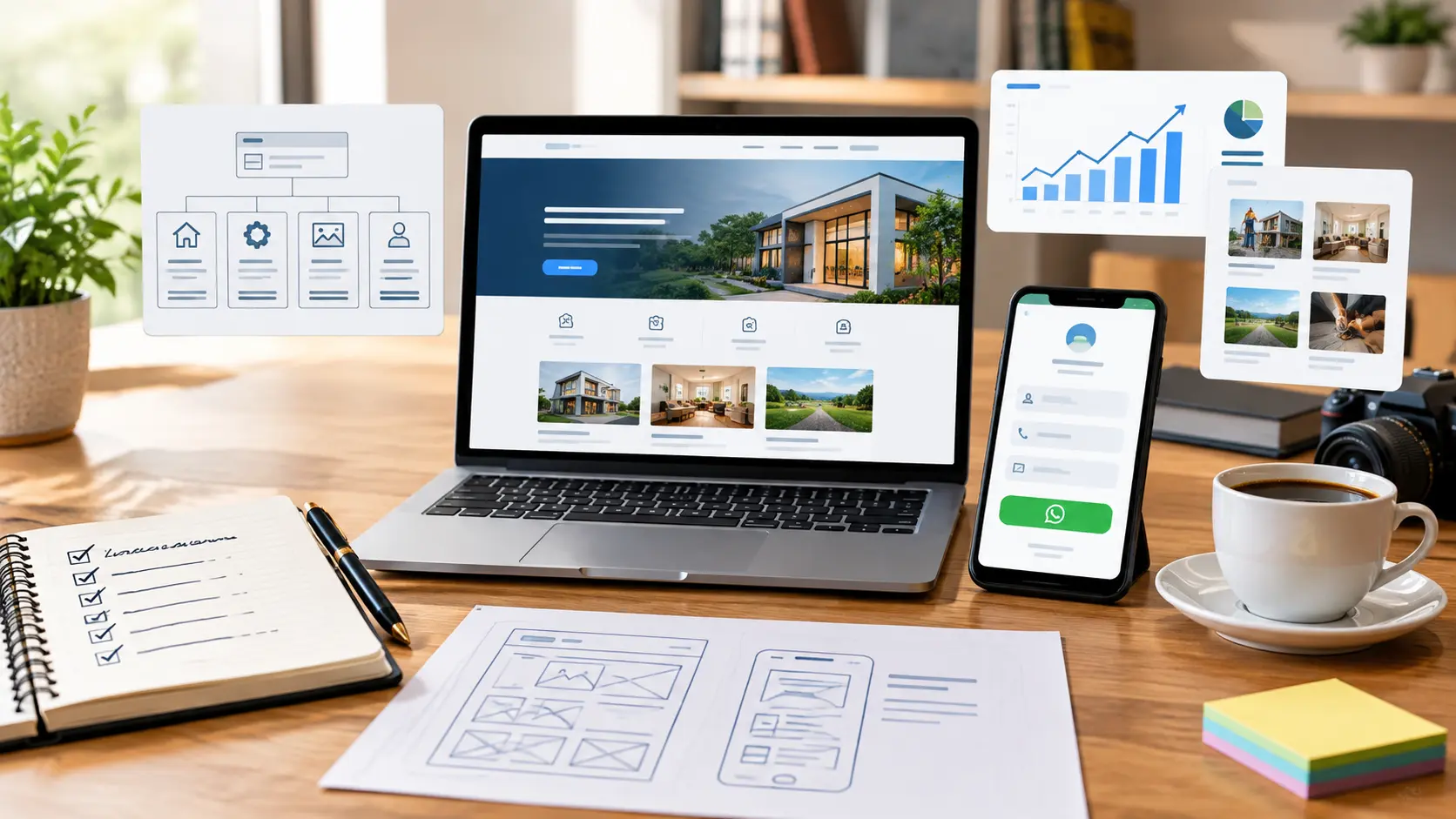
1. Define the website's primary job
Decide whether you want phone calls, WhatsApp enquiries, appointments, product orders or quotation requests. Choose one primary action and make it easy to find on every important page.
2. Plan pages around visitor questions
A small business usually needs Home, Services, Projects, About, FAQ and Contact pages. Give every page a clear job: explain value on Home, scope on Services, proof on Projects and a low-friction action on Contact.
3. Prepare real content first
Accurate service descriptions, working hours, location, contact details, pricing approach and real project evidence matter more than decorative design. Use meaningful images and useful alt text instead of generic placeholders.
4. Design the mobile enquiry flow
Most visitors may use a phone. Test readable text, tap-friendly buttons, fast-loading images, short forms and a visible WhatsApp or phone option. A beautiful desktop page is not enough if the mobile action is difficult.
5. Choose a maintainable launch plan
Register a suitable domain, use reliable hosting, connect Search Console and Analytics, and decide who will update content. Keep backups and document access to the domain, hosting and business email.
Simple launch checklist
- One clear target audience and conversion action
- Accurate contact, location and service information
- Responsive pages with descriptive titles and meta descriptions
- HTTPS, backups, analytics and Search Console
- Real project proof and a tested contact flow